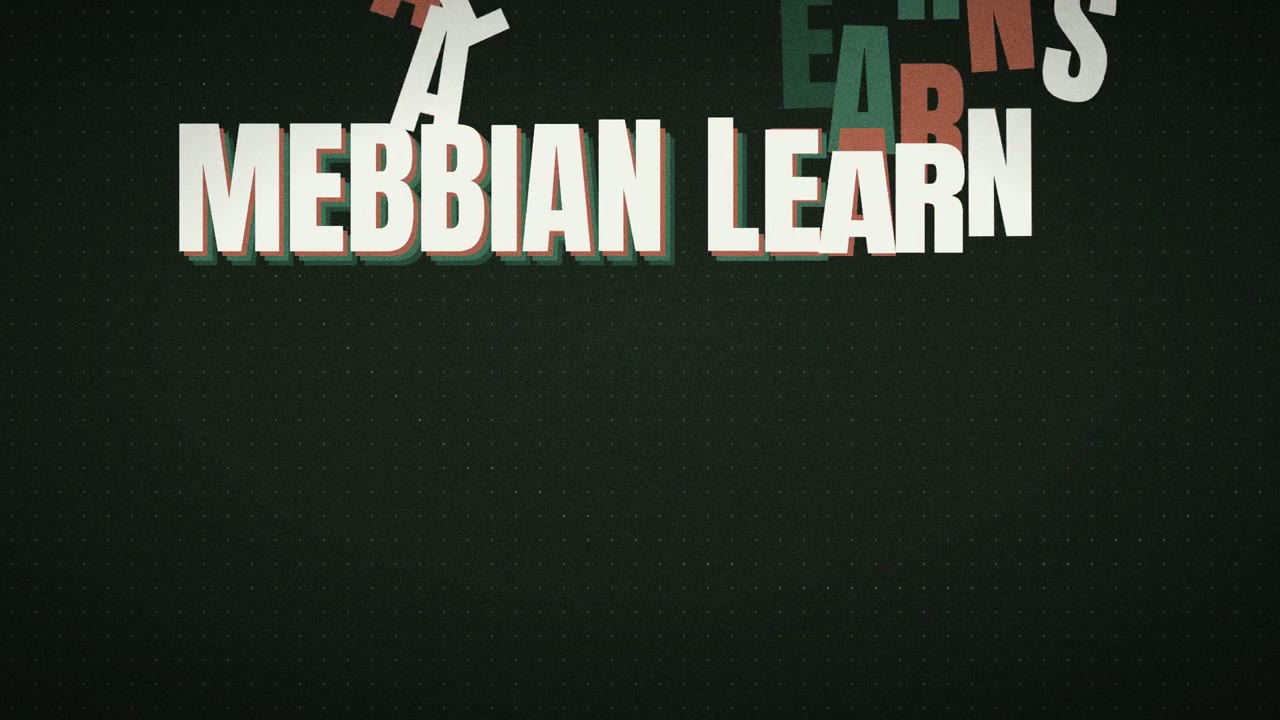
Bouncing teal ball explains a construction AI brand
280 views · 6 likes · 2 saves · 1 reposts · Posted Sep 26, 2026 · 0:15 · Product & ads
OUR NOTEA 15-second launch film for Mebbian with a teal ball that bounces with onion-skin trails, handwritten marker notes like 'your firm' and 'the ceiling', a flat bids chart and a closing logo; made one-shot with HyperFrames and GSAP from the posted prompt.
I WAS QUOTED $3000 FOR THIS!!!

So I asked Opus 5.5 (medium) to create a launch video using Motion Graphics for us.

here's the prompt that one-shots it:

"Create a 15s motion-graphics film explaining {{PRODUCT}}. HyperFrames + GSAP, no voiceover, no footage.
Style: paper-light canvas, marker notes that draw on, real physics, huge kinetic type,
hard light/dark switches, a new idea every 1.5–2 s, a sound on every hit.

COPY: read {{POSITIONING_DOCS}} first. {{ONE_LINER}} For {{AUDIENCE}}. {{WHAT_IT_DOES}}
Name what the product learns, never the abstraction.

RULES
- No chrome (scrubber, timecode, fps, headers). No animator jargon on screen
  ("squash", "stagger", "easing"...). Every word speaks to the buyer.
- No invented results: no %, multipliers, customer names or figures.
- Never use: {{BANNED_WORDS}}.
- Logo: real mark {{LOGO_FILE}} + "{{PRODUCT}}" in {{WORDMARK_FONT}}; never a boxed logo file.

CRAFT
- Colours {{COLOR_CANVAS}} / {{COLOR_INK}} / {{COLOR_ACCENT_1}} / {{COLOR_ACCENT_2}}; notes in the
  accents; dark mode = charcoal matching the palette.
- Fonts {{BRAND_FONTS}}; Anton for kinetic type; Caveat handwriting via stroke-dashoffset.
- Real easing, squash/stretch, stagger, overlap, onion skin, smear, follow-through. Check the
  HyperFrames registry first. Set every from-state at t=0 (seek-safe); never cover an exit.
  One primary move per transition; no generic push/slide/rotate-swing.
- Music in sections: drums drop on the dark switch and while the ball is airborne, slam back
  on the type and the logo. SFX: pops, pen scribbles, whooshes, logo sub-hit. CC0 or generated
only; log sources. Master -14 LUFS, -2 dBTP, re-measured after AAC encode."THE PROMPT
Paper-canvas launch film templatePartial prompt — the creator shared only part of it.
I WAS QUOTED $3000 FOR THIS!!!
So I asked Opus 5.5 (medium) to create a launch video using Motion Graphics for us.
here's the prompt that one-shots it:
"Create a 15s motion-graphics film explaining {{PRODUCT}}. HyperFrames + GSAP, no voiceover, no footage.
Style: paper-light canvas, marker notes that draw on, real physics, huge kinetic type,
hard light/dark switches, a new idea every 1.5–2 s, a sound on every hit.
COPY: read {{POSITIONING_DOCS}} first. {{ONE_LINER}} For {{AUDIENCE}}. {{WHAT_IT_DOES}}
Name what the product learns, never the abstraction.
RULES
- No chrome (scrubber, timecode, fps, headers). No animator jargon on screen
("squash", "stagger", "easing"...). Every word speaks to the buyer.
- No invented results: no %, multipliers, customer names or figures.
- Never use: {{BANNED_WORDS}}.
- Logo: real mark {{LOGO_FILE}} + "{{PRODUCT}}" in {{WORDMARK_FONT}}; never a boxed logo file.
CRAFT
- Colours {{COLOR_CANVAS}} / {{COLOR_INK}} / {{COLOR_ACCENT_1}} / {{COLOR_ACCENT_2}}; notes in the
accents; dark mode = charcoal matching the palette.
- Fonts {{BRAND_FONTS}}; Anton for kinetic type; Caveat handwriting via stroke-dashoffset.
- Real easing, squash/stretch, stagger, overlap, onion skin, smear, follow-through. Check the
HyperFrames registry first. Set every from-state at t=0 (seek-safe); never cover an exit.
One primary move per transition; no generic push/slide/rotate-swing.
- Music in sections: drums drop on the dark switch and while the ball is airborne, slam back
on the type and the logo. SFX: pops, pen scribbles, whooshes, logo sub-hit. CC0 or generated
only; log sources. Master -14 LUFS, -2 dBTP, re-measured after AAC encode."MAKE ONE LIKE THIS
Three steps, using what the creators in this index used.- 1 · Copy the prompt
Use the prompt above as your starting point, then change the subject and the style.
HOW OTHERS WROTE THEIRS → - 2 · Direct it like an editor
- Ask for one self-contained HTML file on a fixed 1920×1080 stage.
- Link this video as the reference for pacing and style.
- Send two or three rounds of specific notes.
- 3 · Render it to MP4
A short piece like this can be screen-recorded, or captured frame by frame for exact timing.
TURN AN HTML ANIMATION INTO AN MP4 →
The creator didn't name their tools. Most videos like this are HTML, canvas or SVG animation written by Claude and screen-recorded or rendered to MP4 — how that works.
Indexed Sep 30, 2026, 2:01 PM · Views as of indexing. Video and post © their creator.