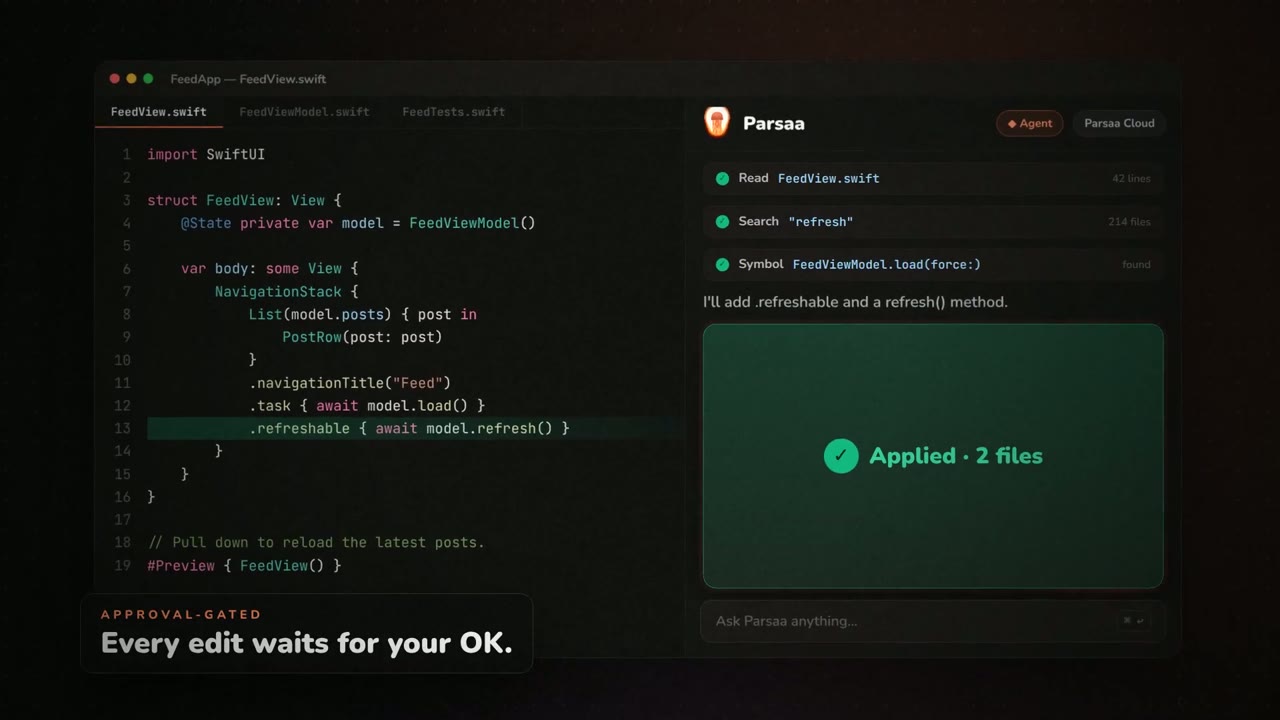
Code-editor mockup shows an approved AI edit

136 views · 1 likes · 0 saves · 0 reposts · Posted Sep 26, 2026 · 0:30 · Motion graphics
OUR NOTEA showreel scene for an AI coding assistant, Parsaa: a Swift code editor sits beside a panel reading 'Applied · 2 files' and 'Every edit waits for your OK.' Made from the widely shared showreel prompt in about five minutes.
Gente realmente essa dica é insana, eu só tirei print do que o @gabrielbuzziv comentou e o opus 5.5 gerou isso aqui, literalmente com um único prompt, tem o que melhorar? Tem, porem isso foi feito em 5 minutosTHE PROMPT
Reused viral showreel promptmake a dynamic 15-second motion graphics video that shows what an incredible motion designer you are, like it's your showreel for a résumé. go all out.MAKE ONE LIKE THIS
Three steps, using what the creators in this index used.- 1 · Copy the prompt
Use the prompt above as your starting point, then change the subject and the style.
HOW OTHERS WROTE THEIRS → - 2 · Direct it like an editor
- Ask for one self-contained HTML file on a fixed 1920×1080 stage.
- Link this video as the reference for pacing and style.
- Send two or three rounds of specific notes.
- 3 · Render it to MP4
A short piece like this can be screen-recorded, or captured frame by frame for exact timing.
TURN AN HTML ANIMATION INTO AN MP4 →
The creator didn't name their tools. Most videos like this are HTML, canvas or SVG animation written by Claude and screen-recorded or rendered to MP4 — how that works.
TUTORIAL > o mais insano ta, é que isso gastou tipo 5% do limite de 5 horas 1. instale a skill hyperframes 2. prompt: "make a dynamic 15-second motion graphics video that shows what an incredible motion designer you are, like it's your showreel for a résumé. go all out." 3. no prompt referencia a pasta do seu projeto 4...
Indexed Sep 28, 2026, 8:28 AM · Views as of indexing. Video and post © their creator.