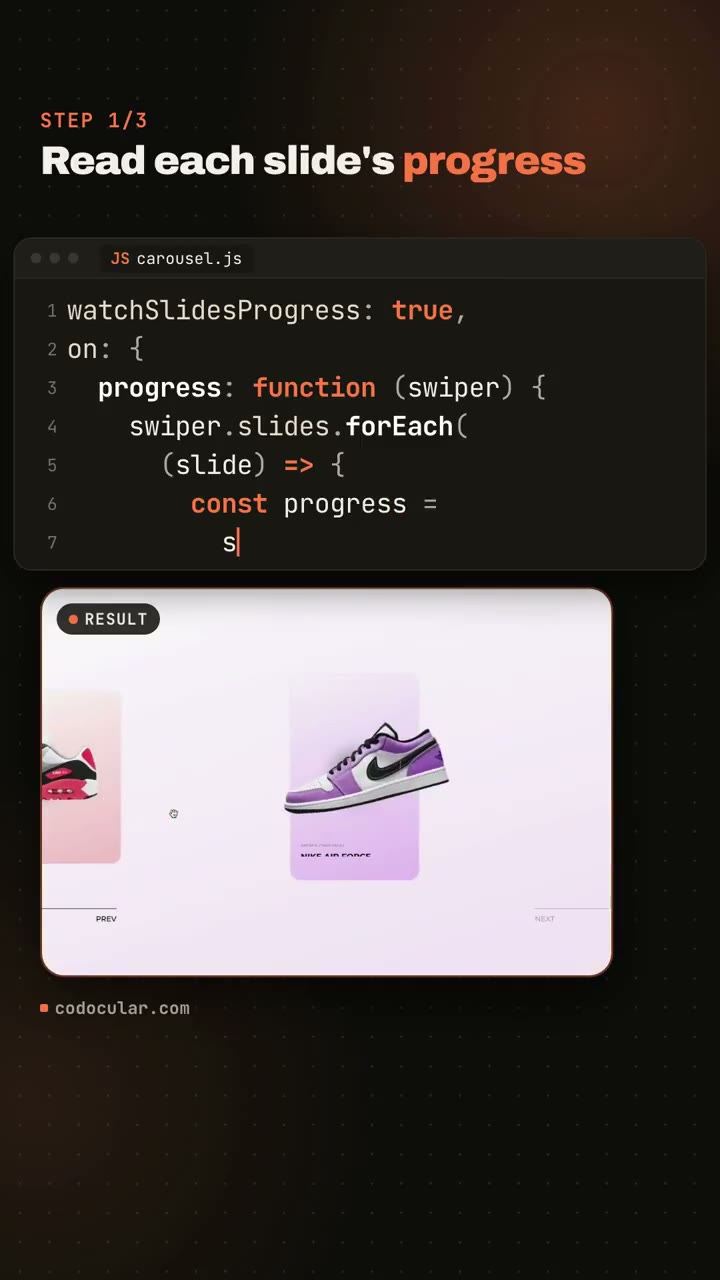
Sneaker carousel is coded step by step in a vertical tutorial

170 views · 0 likes · 1 saves · 0 reposts · Posted Sep 28, 2026 · 0:25 · Explainers
OUR NOTEA vertical code explainer for codocular.com that types carousel.js line by line beside a live result, showing a sneaker carousel that moves its text and snaps faster on quick swipes; made from one generated prompt with HyperFrames.
Just tested Claude Opus 5.5 with Hyperframes.
One prompt (also generated), the result is ok. Not crazy, but with a few more indications and a clear direction, it would probably get much nicer.

The video below is actually a screen record.THE PROMPT
Partial prompt — the creator shared only part of it.
Just tested Claude Opus 5.5 with Hyperframes.
One prompt (also generated), the result is ok. Not crazy, but with a few more indications and a clear direction, it would probably get much nicer.
The video below is actually a screen record.MAKE ONE LIKE THIS
Three steps, using what the creators in this index used.- 1 · Copy the prompt
Use the prompt above as your starting point, then change the subject and the style.
HOW OTHERS WROTE THEIRS → - 2 · Direct it like an editor
- Ask for one self-contained HTML file on a fixed 1920×1080 stage.
- Link this video as the reference for pacing and style.
- Send two or three rounds of specific notes.
- 3 · Render it to MP4
A short piece like this can be screen-recorded, or captured frame by frame for exact timing.
TURN AN HTML ANIMATION INTO AN MP4 →
The creator didn't name their tools. Most videos like this are HTML, canvas or SVG animation written by Claude and screen-recorded or rendered to MP4 — how that works.
Indexed Sep 30, 2026, 2:01 PM · Views as of indexing. Video and post © their creator.