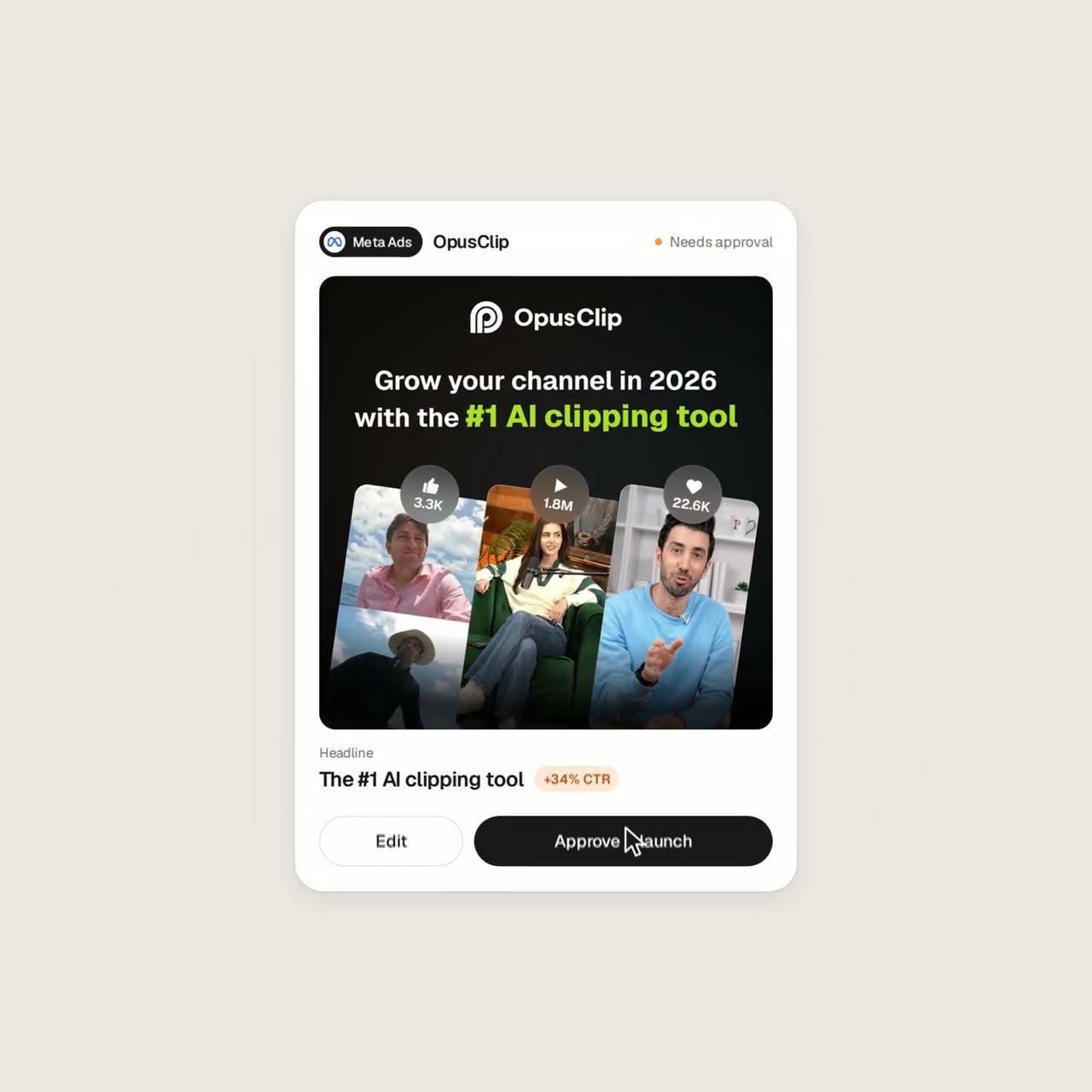
Sprites ad-platform promo built from a morphing button
Anna CherVERIFIED
@AnnaCher___1.2K views · 9 likes · 9 saves · 0 reposts · Posted Sep 25, 2026 · 0:42 · Motion graphics
OUR NOTEA promo for ad platform Sprites built from its real UI: one button morphs through ad-account connections, a research loader and an ROAS chart. Rendered via Playwright with code-generated UI sounds, no music.
THE CREATOR'S POST
Made this promo for Sprites in one shot with Opus 5.5.
No After Effects, no Figma. One HTML file where every frame is a function of time, rendered with Playwright, with UI sounds generated in code.
Real ads from our Ads Library, real platform logos.
Prompt below ↓THE PROMPT
Detailed UI-morph prompt templateAnalyze http://sprites.ai and build a product promo from our own UI, not generic components.
<direction>
Dribbble-level UI motion. One shape, never cut: every state is the same element morphing its size, radius and color while its content swaps with a short blur. A cursor drives every change with real clicks and drags. Warm-gray canvas, black and white components, one accent (#FD9543), Geist. Springs everywhere, a tiny overshoot at most. The camera zooms so each state fills the frame. Last frame = first frame, so it loops.
Banned: bouncy easing, particles, glows, gradients on UI chrome, mismatched icon strokes, dead time, anything that looks like a template.
</direction>
<structure>
120 BPM, 7 bars, something on every beat.
Connect ad account (Meta, Google, LinkedIn, TikTok, Reddit logos) → loader → check → prompt bar types "Launch ads that convert" → island "Researching 42 competitors" → Ads Library wall of real ads scrolls and lands on a top performer → approval card → Approve & launch → budget slider that stretches past max → Autopilot toggle → knob becomes a liquid tab indicator across channels → ROAS chart draws itself with hover tooltip → ⌘K → type "pause" → toast "Paused 3 losing ads" → back to the button.
</structure>
<build>
1. One HTML file, 1440x1440. Every style is computed inside seek(t): no CSS transitions, no timers, no state between frames.
2. Springs are closed-form step responses. A value that changes target many times is a sum of springs, so it stays a pure function of time.
3. Tab indicator and toggle knob: the two edges ride different springs, so the leading edge stretches ahead.
4. Drags are direct manipulation: while held, the value follows the cursor. On release it springs back from wherever it was.
5. No music. Synthesize UI sounds with numpy and place each one by its measured peak on the beat grid.
6. Render with Playwright: 4 subframes per frame, blended with ffmpeg tmix for motion blur at 60fps.
7. Render one frame per beat first. Fix anything off-grid, cramped or hard to read.
</build>
<gotchas>
No will-change on anything the camera scales. Swapped text needs its own enter/exit timing. Match the last frame to the first, cursor position and speed included, or the loop stutters.
</gotchas>
Show me the state list on the beat grid before writing any code.MAKE ONE LIKE THIS
Three steps, using what the creators in this index used.- 1 · Copy the prompt
Use the prompt above as your starting point, then change the subject and the style.
HOW OTHERS WROTE THEIRS → - 2 · Direct it like an editor
- Ask for one self-contained HTML file on a fixed 1920×1080 stage.
- Link this video as the reference for pacing and style.
- Send two or three rounds of specific notes.
- 3 · Render it to MP4
A short piece like this can be screen-recorded, or captured frame by frame for exact timing.
TURN AN HTML ANIMATION INTO AN MP4 →
HOW IT WAS MADE
The creator didn't name their tools. Most videos like this are HTML, canvas or SVG animation written by Claude and screen-recorded or rendered to MP4 — how that works.
LOOK
ui-mockupproduct-adkinetic-type
Indexed Sep 28, 2026, 8:28 AM · Views as of indexing. Video and post © their creator.