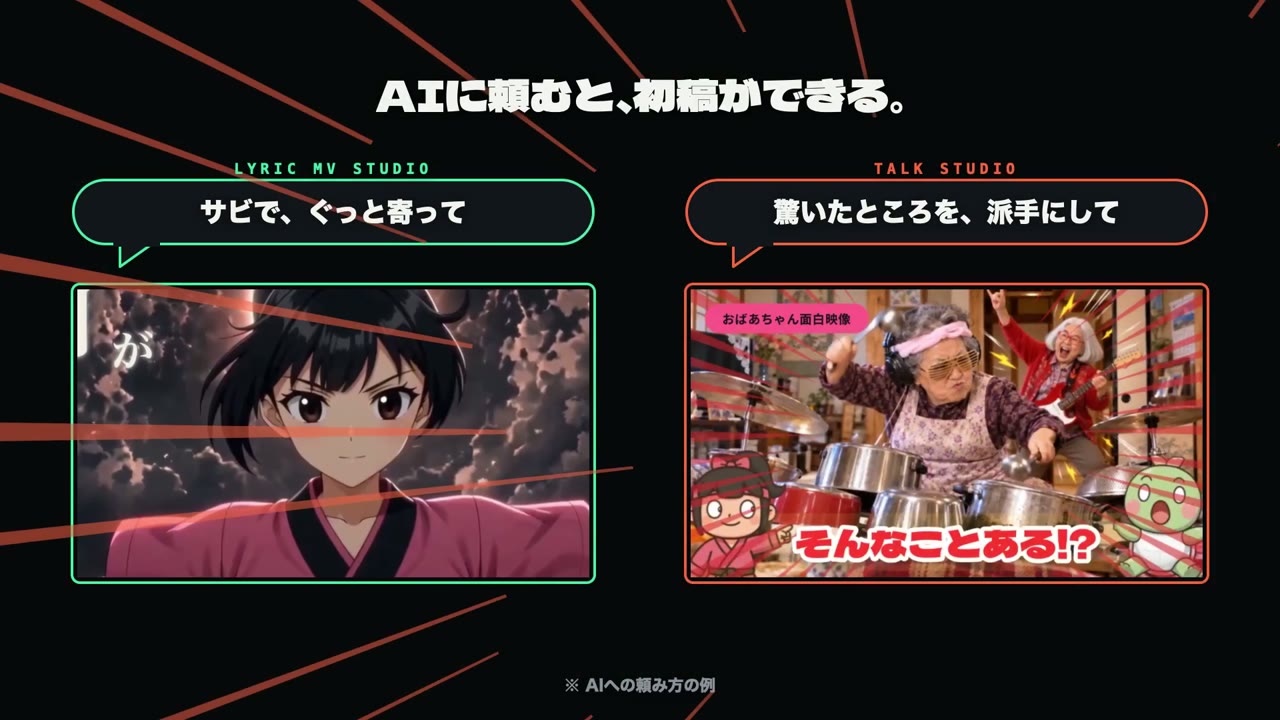
Two AI video editors pitched side by side in an ad

13.3K views · 66 likes · 52 saves · 4 reposts · Posted Sep 23, 2026 · 0:30 · Product & ads
OUR NOTEA 30-second Japanese ad for the tools Lyric MV Studio and Talk Studio, showing sample requests to each; Opus 5.5 assembled and exported it inside the creator's own Lyric MV Studio.
【Opus 5.5×AIネイティブ動画編集ツールでCM作成】
Opus 5.5 に自作の動画編集ツールを使ってもらい、ツールそのもののCMを作ってもらいました🎬
CMに出てくる2つのツールは、お使いのAI(ClaudeやCodexなど)から直接操作できるように作ってあります。
AIに頼んで初稿を作り、気になるところはAIに修正を依頼するか、人がGUIで微調整するという流れです。
簡単にツール紹介⬇️
✅Lyric MV Studio
歌詞に合わせて文字が動く「リリックMV」制作に特化したツール。
リリックMV用に作っていますが、文字と動きの演出に全振りしているだけなので、こういうCMやプロモーション動画も作れます。このCMも AIにLyric MV Studio で組んでもらって書き出しています。
✅Talk Studio
解説や雑談など、人が話している動画を、テロップつきのYouTube動画に仕上げるツール。
文字起こし、無音カット、「えーと」などのフィラーカット、テロップや図解入れまで一気にやってくれます。THE PROMPT
The creator didn't publish a prompt for this one. The post text is below.
MAKE ONE LIKE THIS
Three steps, using what the creators in this index used.- 1 · Copy the prompt
This creator didn't share a prompt. Start from our template instead.
PROMPT TEMPLATE → - 2 · Direct it like an editor
- Ask for one self-contained HTML file on a fixed 1920×1080 stage.
- Link this video as the reference for pacing and style.
- Send two or three rounds of specific notes.
- 3 · Render it to MP4
A short piece like this can be screen-recorded, or captured frame by frame for exact timing.
TURN AN HTML ANIMATION INTO AN MP4 →
The creator didn't name their tools. Most videos like this are HTML, canvas or SVG animation written by Claude and screen-recorded or rendered to MP4 — how that works.
Fable5がリリックMVをAIと共同編集できるツールを作ってくれました! やりたい演出をAIに言葉で頼むと映像ができて、人間は画面上でドラッグしたり数値をいじって微調整するだけ。 試しにショートMVを2本作ってみました! 作りたいMVに合わせてツールも育っていく感じです。
Indexed Sep 28, 2026, 8:28 AM · Views as of indexing. Video and post © their creator.