WHY A FRAMEWORK
A browser plays animation in real time, and real time is unreliable: a busy CPU drops frames, a slow font load shifts the first second. Rendering frameworks take control of the clock. They seek the animation to frame 1, capture it, seek to frame 2, capture it, and encode the frames with FFmpeg. A 30-second composition at 30 fps is always exactly 900 frames.
The other win is revision. Because the video is code in a project, "make the second scene shorter" is an edit and a re-render, not a reshoot.
HYPERFRAMES OR REMOTION
| HyperFrames | Remotion | |
|---|---|---|
| Claude writes | HTML, CSS and seekable JS animation | React components |
| Agent skills | npx skills add heygen-com/hyperframes | npx skills add remotion-dev/skills |
| Needs | Node.js 22+, FFmpeg | Node.js (see Remotion docs) |
| Pick it if | You want Claude to write the kind of animated page it already writes well | You want reusable, data-driven templates in React |
Both publish agent skills that work with Claude Code, Codex, Cursor and other agents that read the skills format. Both are open source; check each project's license before commercial use.
HYPERFRAMES IN FIVE STEPS
- 1Install the prerequisites
Node.js 22 or newer and FFmpeg on your PATH.
- 2Add the skills
In your project folder run
npx skills add heygen-com/hyperframesand pick the Core Skills group. (Agents and non-interactive runs can usenpx hyperframes skills update.) - 3Open Claude Code and describe the video
Start with the router skill, e.g. "Using /hyperframes, create a 10-second product intro with a fade-in title and subtle background music."
- 4Preview
The agent runs
npx hyperframes preview, a browser preview with live reload. Give notes; it edits the HTML. - 5Render
npx hyperframes renderwrites the MP4.
Without an agent, the same project works by hand: npx hyperframes init my-video, then preview and render.
REMOTION IN FIVE STEPS
- 1Create a project
Scaffold a new Remotion project (the create command offers to add the agent skills).
- 2Add the skills
Or add them to an existing project with
npx skills add remotion-dev/skills. - 3Ask for a composition
e.g. "/remotion-create Make a promo video for a record store".
/remotion-best-practicescovers everything if you're unsure which skill applies. - 4Preview in Studio
/remotion-studiolaunches Remotion Studio so you can scrub the timeline and give notes. - 5Render
/remotion-renderrenders a video or a still.
Remotion also has skills for captions (/remotion-captions) and map animations (/remotion-maps), which cover two of the fiddliest parts of explainer videos.
WHAT MAKES IT GO WELL
- Plan before you animate. Ask for a scene list with timings first, approve it, then let the agent build. It's much cheaper to fix a plan than a render.
- Audio first, animation second. If there's a voiceover, generate it first and give the agent the timestamps, so cuts and captions land on the words.
- Render short previews. Render a few seconds or a single still before committing to a full render of a long video.
- Keep a style file. A short document with your palette, type and motion rules, reused across videos, is what makes a series look like a series.
EXAMPLES FROM THE INDEX
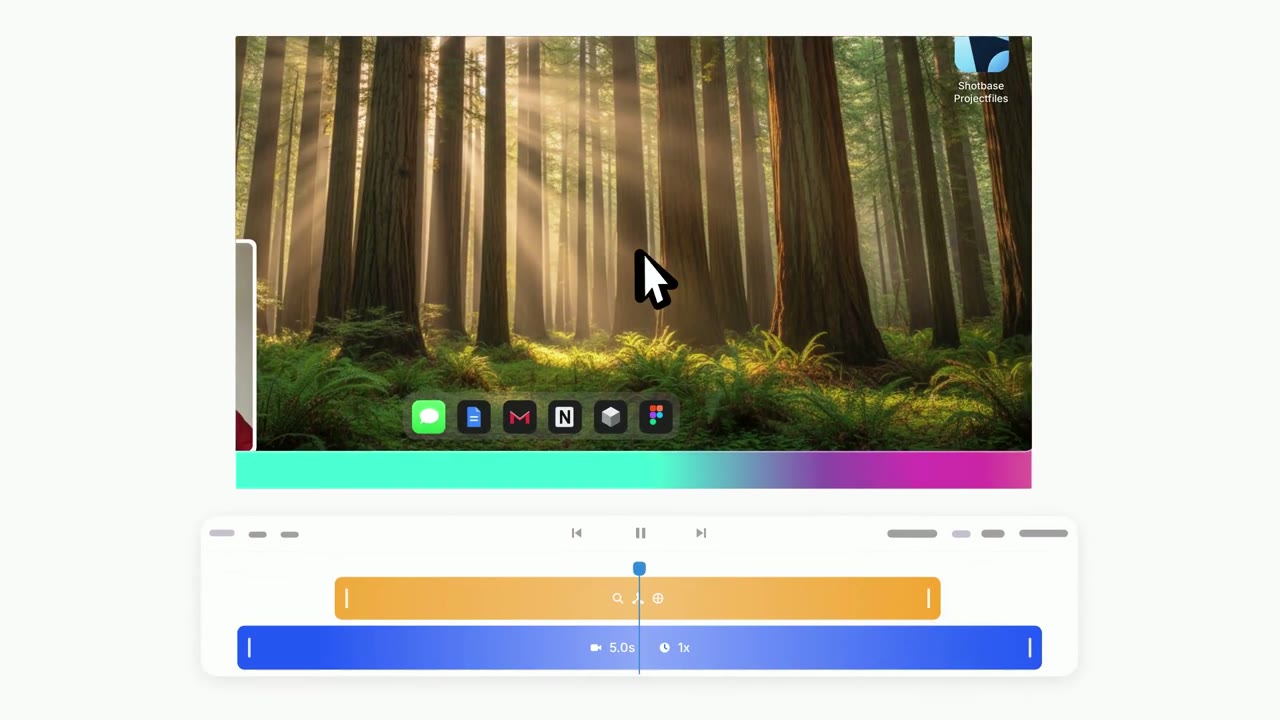
 @Miguel07Code
 @Voxyz_ai
 @kimmonismus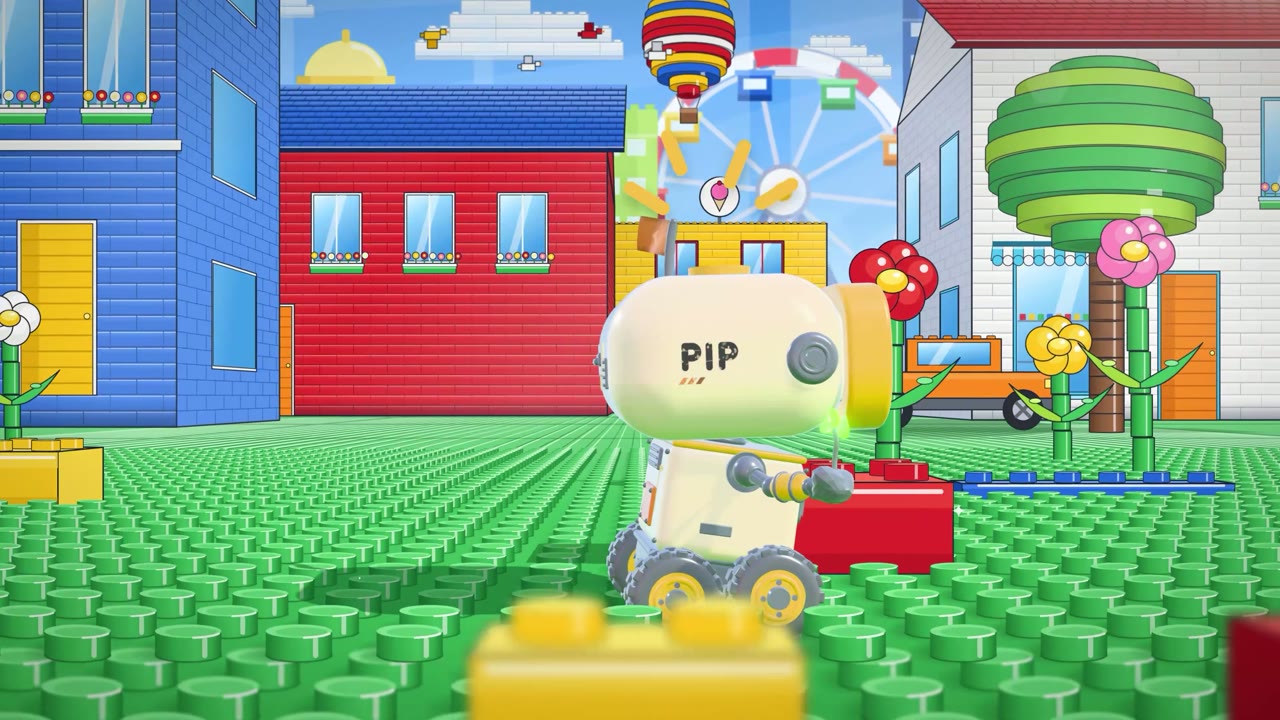
 @pradeepXkapoor
RELATED OPEN-SOURCE SKILLS
- ★ 53,518heygen-com/hyperframesHTML/CSS-driven deterministic video rendering
- ★ 4,738remotion-dev/skillsOfficial Remotion best-practice skills for agents
- ★ 2,134digitalsamba/claude-code-video-toolkitScript-to-render explainer and demo videos
- ★ 61,488calesthio/OpenMontageEnd-to-end AI video production pipelines