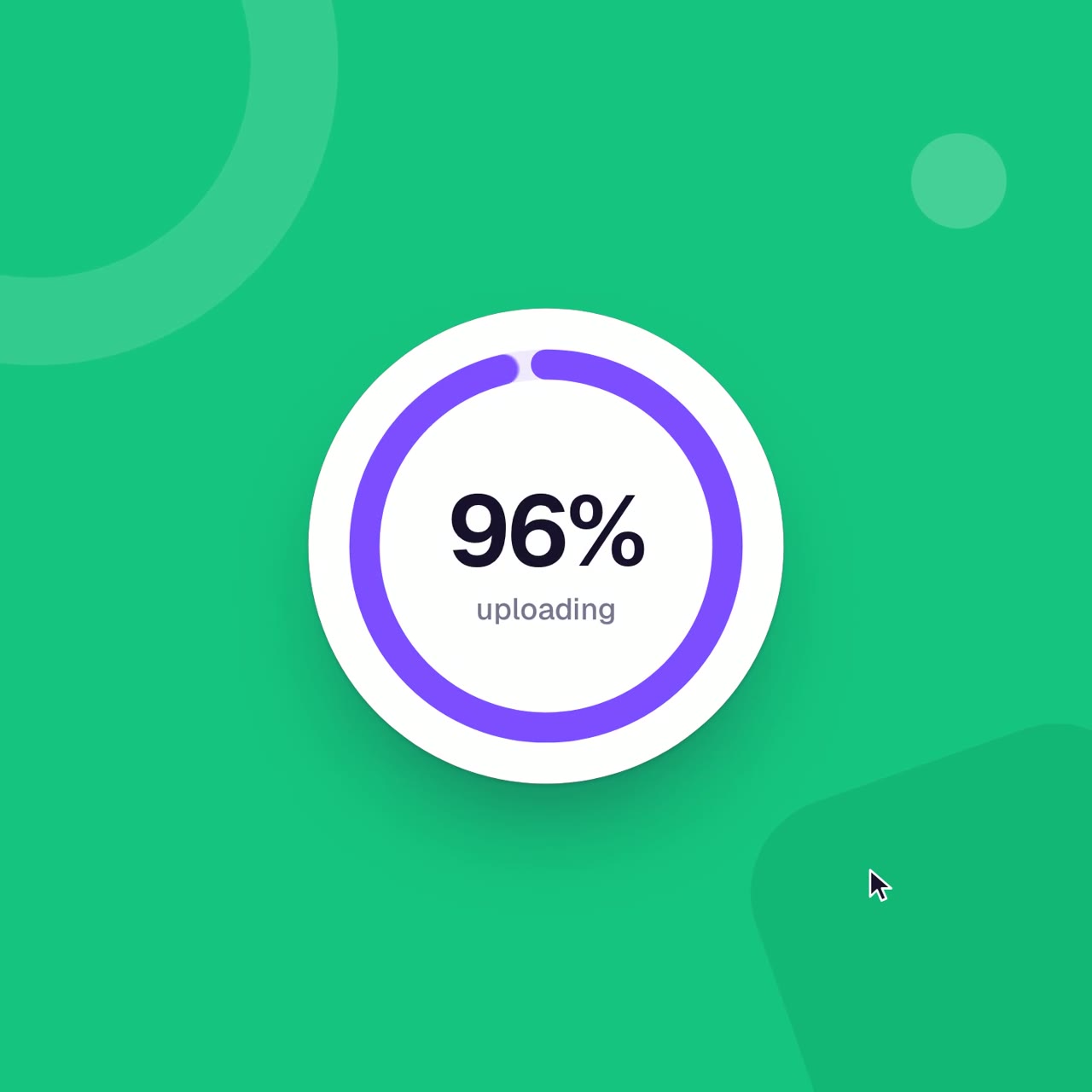
Colorful UI-morph piece with an emoji reaction bar
22.4K views · 164 likes · 187 saves · 3 reposts · Posted Sep 25, 2026 · 0:15 · 3d scenes
OUR NOTEA colorful looping UI-motion piece featuring an emoji reaction bar among other app states, rendered frame-by-frame in headless Chrome via Playwright and assembled with ffmpeg, with beat timing analyzed in Python.
tried using the same prompt and asked to make the video more colorful. opus 5.5 is really amazing
one shot, it put all the code in a single index.html file and rendered it using playwright frame by frame in a headless window, then ffmpeg to generate the mp4. it used a seek function and eval to render each frame.
the model seems to prefer doing everything with zero dependencies from scratch instead of using tools like remotion, egaki, or hyperframes. maybe it's because anthropic created special RL environments to create videos from code? and they probably went for the simplest possible approach.
the model seems to have an internal idea of the video it wants to make. it can even reason spatially. it then outputs some spaghetti code with magic numbers to make the video actually render.
the code doesn't seem to be the important part. it's just an output artifact.
i wonder how good the model is at recreating the internal video representation from the code.
for analyzing the audio, it used python. it used it to output timestamps of the beats and used them as magic numbers in the html page.
if things continue to go this way, humans can't look at the code anymore. it's like looking at assembly. it makes zero sense to us.
we need a higher-level form to describe the model's internal representation. markdown sure isn't that. traditional tools like ae aren't it either.
here is the code it used
https://gist.github.com/remorses/3d467b50a0519ef7859823046dc9c427THE PROMPT
Detailed UI-morph shot spec<inputs>
Ask me for: 8 to 12 UI states I want the shape to become (e.g. button, loader, player, slider, toggle, tabs, chart, command palette, toast), pure black and white or one accent color, and a royalty-free song around 120 BPM (e.g. Mixkit, free for commercial use).
</inputs>
<direction>
Dribbble-level UI motion. One shape, never cut: every state is the same element morphing its size, radius and color while its content swaps with a short blur. A cursor drives every change with real clicks and drags. Light warm-gray canvas, black and white components, one clean UI font (Geist). Springs everywhere, a tiny overshoot at most. The camera zooms so each state fills the frame. The last frame is the first frame, so it loops.
Banned: bouncy easing, particle bursts, glows, gradients on UI chrome, mismatched icon strokes, dead time, anything that looks like a template.
</direction>
<structure>
120 BPM, 7 bars, something happens on every beat.
Button → loader → check → dynamic island → music player with a play/pause morph → scrub the progress bar → it becomes a volume slider that stretches when dragged past max → a toggle flips on the beat → the knob becomes a liquid tab indicator → the tabs open into a chart that draws itself, with a tooltip on hover → it collapses into ⌘K → type to filter → enter → toast → back to the button.
</structure>
<build>
1. One HTML file, square 1440x1440. Every style is computed from time inside seek(t): no CSS transitions, no timers, no state carried between frames.
2. Springs are closed-form step responses. A value that changes target many times is the sum of one spring per change, so it stays a pure function of time.
3. The tab indicator's two edges ride different springs, so the leading edge stretches ahead of the trailing one. Same trick for the toggle knob.
4. Drags are direct manipulation: while the cursor is held, the value is computed from its position. On release it springs back from wherever it was.
5. Analyze the song with numpy for the beat grid and start on a downbeat. Place every UI sound by its measured peak.
6. Render with Playwright: 4 subframes per frame, blended with ffmpeg tmix for motion blur at 60fps.
7. Render one frame per beat before the full render. Fix anything off the grid, cramped or hard to read.
</build>
<gotchas>
Never put will-change on anything the camera scales or the text renders blurry. Text that swaps inside a morphing container needs its own enter and exit timing or it overlaps. Make the last frame identical to the first, cursor position and speed included, or the loop stutters.
</gotchas>
<start>
Ask me for the inputs, then show me the state list on the beat grid before you write any code.
</start>MAKE ONE LIKE THIS
Three steps, using what the creators in this index used.- 1 · Copy the prompt
Use the prompt above as your starting point, then change the subject and the style.
HOW OTHERS WROTE THEIRS → - 2 · Direct it like an editor
- Ask for one self-contained HTML file on a fixed 1920×1080 stage.
- Link this video as the reference for pacing and style.
- Send two or three rounds of specific notes.
- 3 · Render it to MP4
A short piece like this can be screen-recorded, or captured frame by frame for exact timing.
TURN AN HTML ANIMATION INTO AN MP4 →
The creator didn't name their tools. Most videos like this are HTML, canvas or SVG animation written by Claude and screen-recorded or rendered to MP4 — how that works.
opus 5.5 is f*cking cracked at motion design this entire video is code, 0 after effects im open sourcing the prompt template for these motion designs steal it to recreate these ↓ <inputs> Ask me for: 8 to 12 UI states I want the shape to become (e.g. button, loader, player, slider, toggle, tabs, chart, command palette,...
Indexed Sep 28, 2026, 8:28 AM · Views as of indexing. Video and post © their creator.